Changelog
marble work Updates
Discover the latest updates & improvements to marble work. All new features, enhancements & bug fixes can be found here at a glance.
-

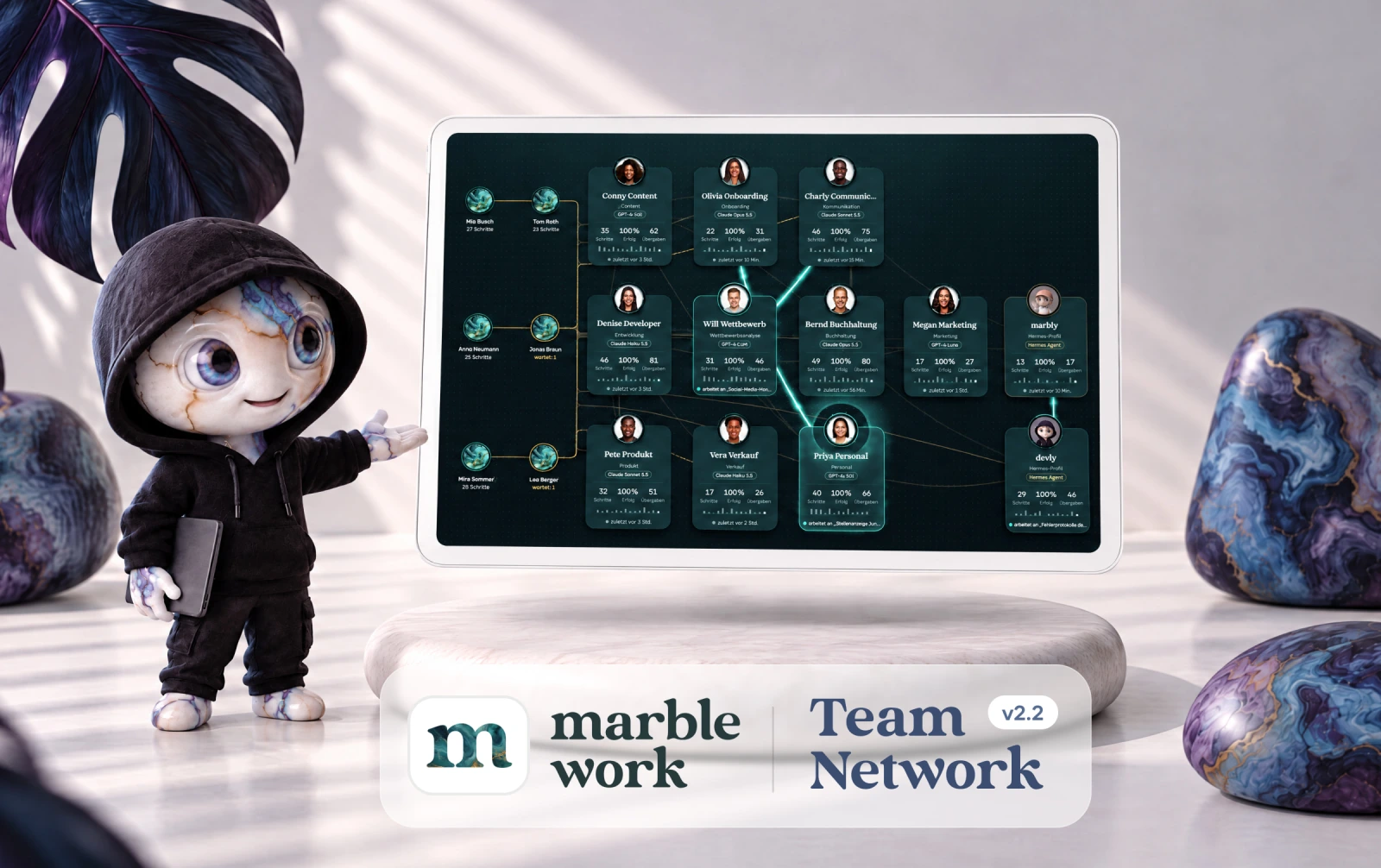
With marble work 2.2, you can see at a glance how people and AI agents work together in your organisation. The new Team Network shows handovers, ongoing work and waiting steps live on one shared canvas.
The update also adds connectors for Shopware and Shopify, any number of external agents and a chat that keeps working in the background.Features & Improvements
-
The Team Network: see collaboration live
The new dashboard widget shows every agent in your organisation as a card, including external agents, alongside the people who work with them. Lines show who hands over to whom. Ongoing work flows through the connections as light, waiting handovers are highlighted and every card shows completed steps, success rate and recent activity.
-
Chat and results right in the Team Network
Click an agent card to open a chat with that agent in its own window, without leaving the dashboard. The window can be moved, resized and docked again. A small button on every card also shows the agent’s last ten tasks with a short excerpt and image previews.
-
A Team Network view that suits you
Choose between a light and a dark look, arrange the cards freely or on a grid, zoom, move the canvas or switch to full screen. On phones and tablets it works just like a maps app. The Team Network is now available on the dashboard for owners and admins, included in Pro and Rocket.
-
Connectors for Shopware and Shopify
Agents can now work directly in your online shop: they maintain products, analyse orders or reconcile stock levels. Large volumes are processed in batches and changes run as a dry run first. You can connect several shops per organisation, available from Pro.
-
Any number of external agents
Instead of just one external agent, you can now connect as many as you like, for example every profile on a Hermes server as a separate agent. Each one gets its own name, image and chat and can be assigned to specific task steps. A connection test shows right after saving whether everything works. Available in Rocket.
-
Agent chat keeps working in the background
If you close the chat or reload the page, the agent still finishes its answer. When you come back, it is waiting in the chat or still being written live. If you are somewhere else, marble work notifies you via the bell, push notification and, if you like, email. There is also a new input history: press the up arrow to bring back your recent messages and send them again or edit them.
-
Set the thinking effort per agent
Decide for each agent how thoroughly it thinks before answering, from fast and cost-efficient to particularly thorough. Chat and tasks can be set separately, for example quick answers in chat and thorough work on tasks. Works with current Claude and GPT models.
Bug Fixes
-
Chat now reliably completes long work steps with an answer
-
Special characters in email subject lines are displayed correctly
-
General bug fixes, security and stability improvements
-
-

Push notifications are here!
marble work now reaches you directly on your iPhone, iPad, Mac, Android device or browser whenever a task is waiting for you, something is assigned to you or someone mentions you, with its own sound. In the settings you choose for each event whether you get a notification, an email or both.Features & Improvements
-
Push notifications for iPhone, iPad, Mac, Android & browser
From now on, marble work sends you push notifications on iPhone, iPad, Mac and Android, and in your browser if you like. For each event you decide whether you get a notification, an email or both. So you're not flooded from day one, push starts out switched on only for what truly needs your attention, such as a task waiting for you or someone mentioning you.
Tapping a notification takes you straight to the right task. The device overview shows which of your devices receive push notifications and lets you turn off individual ones. And when your workspace's auto-start budget for the month is used up, you'll now hear about it by email as well.
Bug Fixes
-
Links that take you directly to your tasks
Clicking on links in emails and push notifications takes you directly to the corresponding tasks and projects.
-
General bug fixes & performance optimization
-
-

People and AI in one shared workflow!
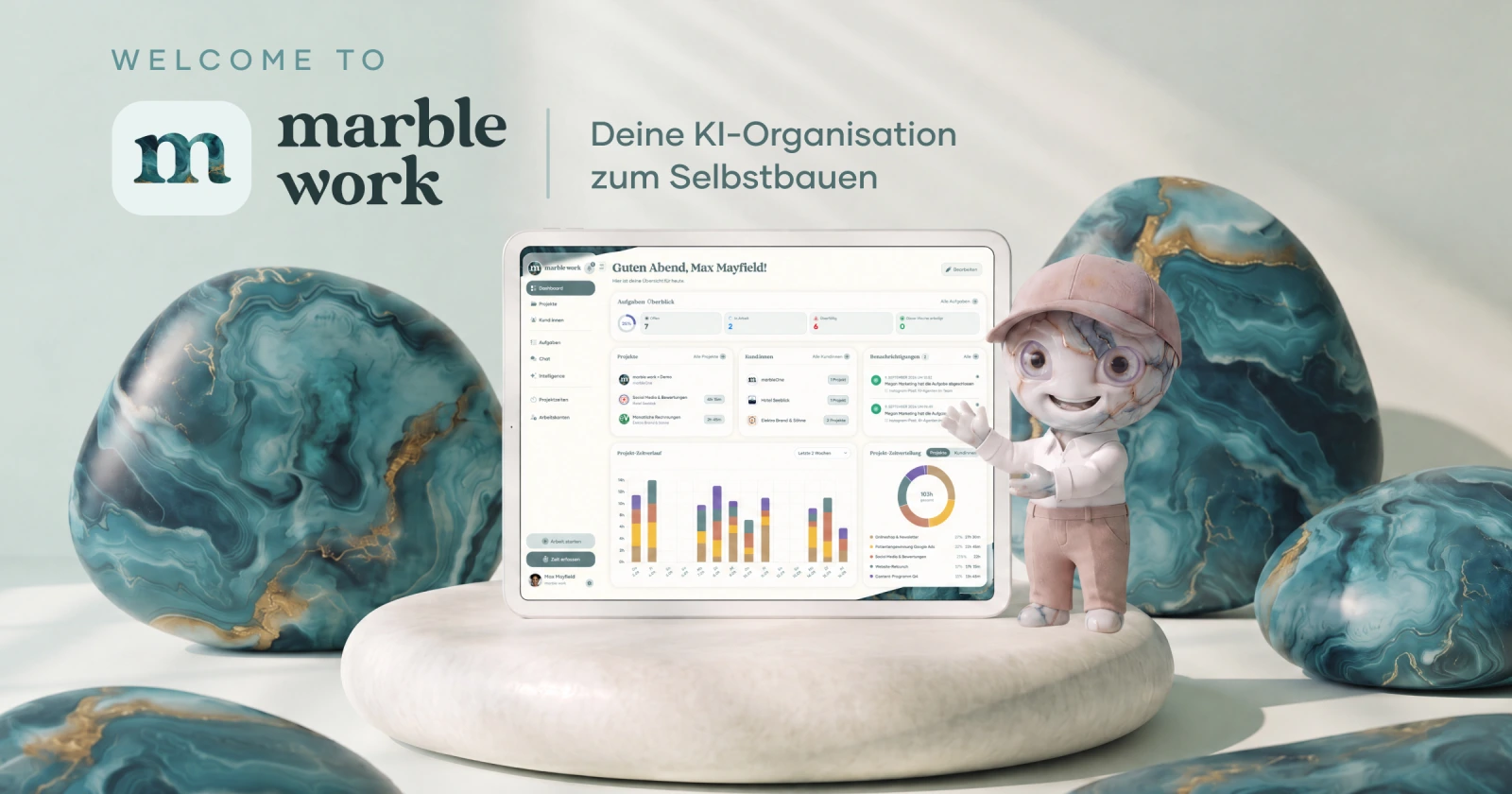
With marble work 2.0, AI agents and people collaborate in connected task chains. Agents research, create content or analyse data, while your team reviews results, makes decisions and gives approvals.
The update also introduces automated workflows, shared company knowledge and complete project, client and time management.Features & Improvements
-
Shared task chains for people and AI agents
Each task can contain any number of steps. For every step, you decide whether an AI agent or a person takes responsibility. An agent can conduct research, a person reviews the result and another agent handles publication, all within one task with clear responsibilities and visible progress.
-
Your own AI agents
Create specialised agents for research, copywriting, analysis, design and other tasks. Each agent gets its own role, clear instructions, suitable skills, connected tools and the AI model that best fits its work.
-
Company knowledge and visible memory
Store information about your company, products, audiences, processes and tone of voice directly in marble work. Agents can automatically use this knowledge in their work. What an agent learns through collaboration remains visible, editable and deletable.
-
Start tasks automatically
With the new Auto-Start feature, recurring tasks can begin daily, weekly, monthly or according to a custom schedule. Alternatively, a task can start once at its due date. This allows reports and recurring analyses to be created without someone having to trigger the process manually each time.
-
Create text, images, video, audio and PDFs
Agents deliver their results directly within the relevant task step. In addition to formatted text, they can create images, videos, audio files and complete PDF documents. Existing images and PDFs can also be analysed and incorporated into the workflow.
-
Complete project and client management
Manage tasks, subtasks, projects, clients, files, comments, budgets and responsibilities in one place. Board and list views, custom fields, roles and access permissions keep both AI-assisted work and day-to-day project operations organised.
-
Project time, work hours and absences
Track project time with a timer or add entries manually. You can also manage work hours, breaks, holidays, sick leave and hour accounts. The new “AI versus human” project analysis shows how much work was completed by agents and how much remained with the human team.
-
Integrations for your existing tools
Connect marble work to the applications your team already uses. Agents can access information, analyse data and incorporate results into existing workflows. Credentials are stored securely in an encrypted vault and are never exposed to agents or the frontend.
-
Use your own OpenAI and Anthropic accounts
Connect your own OpenAI or Anthropic accounts and choose the right model for each agent. Model usage is billed directly by the respective provider, without an artificial credit limit or markup from marble work. Requests and token consumption remain transparent.
-
Traceable results and human approvals
Result versions, changes and executions remain traceable. When a task chain reaches a human step, it waits for the responsible person. If a result needs revision, the workflow can restart from that specific step without losing previous versions.
Bug Fixes
-
General bug fixes, stability improvements and performance optimisations
-
-

We have wonderful news! Today we're releasing marble work 1.0 – the brand new app for time tracking and project management 🎉
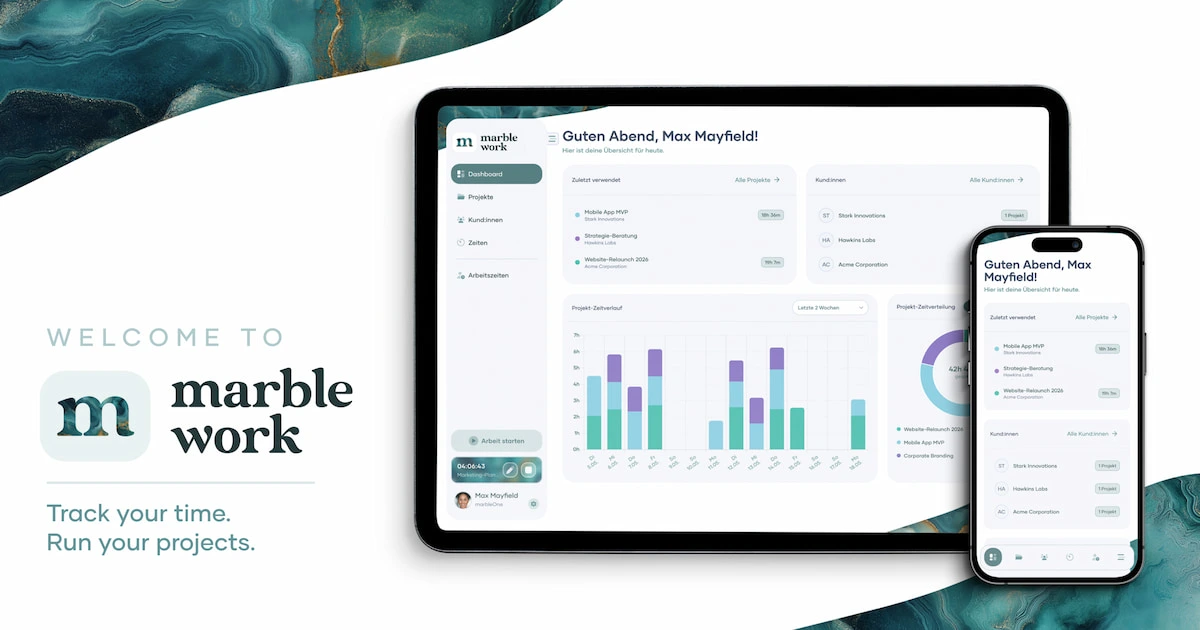
As a cloud-based web application, marble work lets you track, analyze, and manage project time and work hours in a modern interface – individually or as a team.
Whether you're a freelancer, agency, or small business looking to stay on top of your time – marble work handles project time for client billing and work hours for internal documentation. Everything in one tool, no double data entry.
You can now try marble work for free right here on the website. All the information you need about features, pricing, and registration can be found across our website.
Follow our channels to stay in the loop. Be part of our journey with marble work!Bug Fixes
-
General bug fixes & performance optimization
-